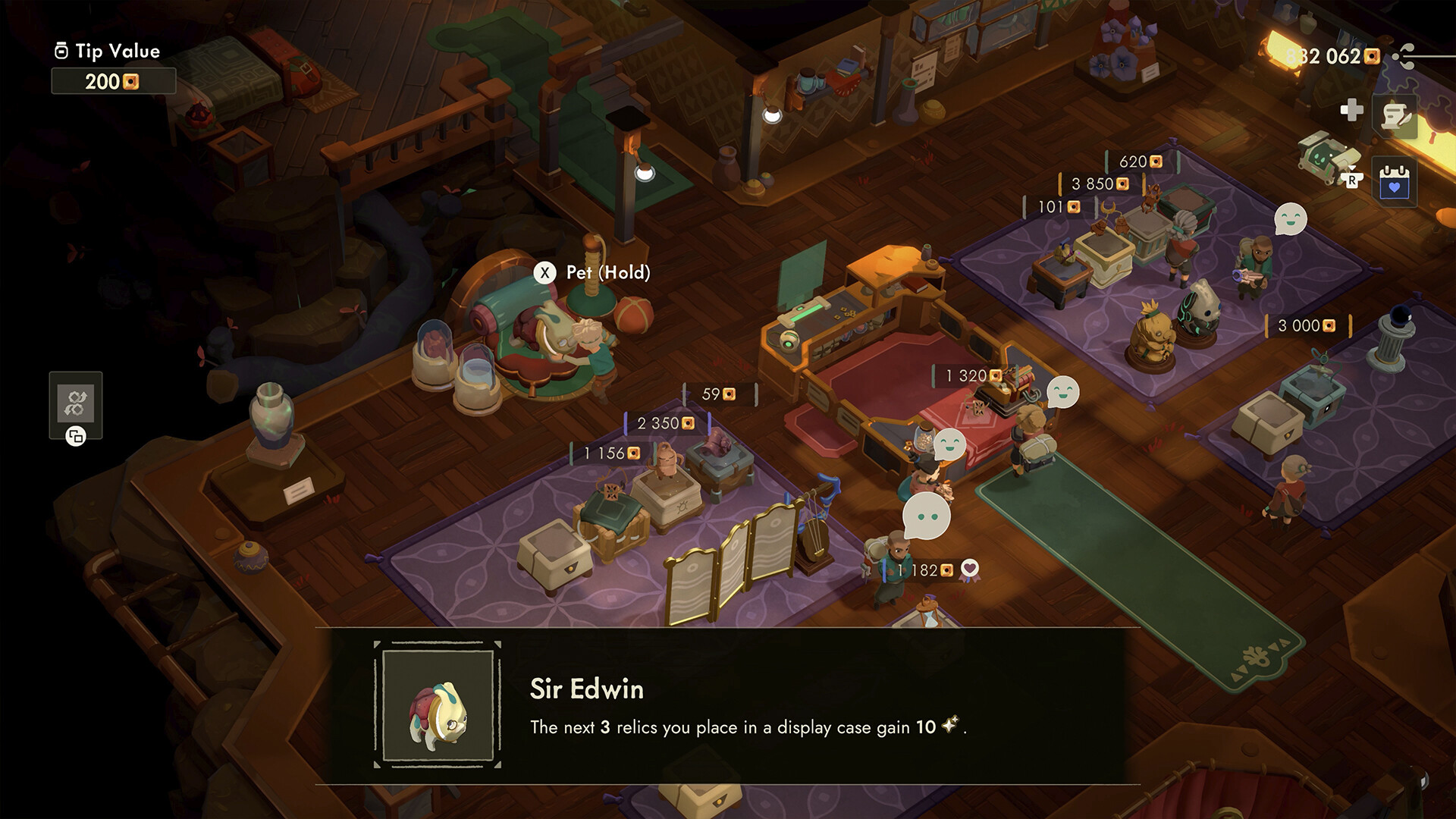
What to do
- Open K33P3R in the shopInteract with the shop-management box, then choose Furniture. If you only see storage, back out once and interact from the shop floor again.
- Select the target slotHighlight the carpet or furniture slot you want to change. Read the current counter as layout capacity for this shop, not your owned inventory; this page does not generalize a fixed total across rugs, upgrades, or platforms.
- Choose ReplaceOn an empty slot, Replace is the placement entry point reported by players. On an occupied slot, use Replace to swap the item; use Move only to reposition an item already on the floor.
- Use Left Shift on the PC promptThe Sep 4–6, 2026 Steam comments and an independent Reddit answer read the small up-arrow-looking prompt as Left Shift on mouse and keyboard. Press or hold Left Shift when the menu asks for the placement or replacement selection.
- Follow the prompt when it differsA different icon, missing menu, or controller prompt is unresolved. Record the platform and build instead of guessing a button.
How you know it worked
The functional furniture preview is selected, the old item is visibly replaced or the empty slot accepts it, and the object appears on the shop floor after you back out.
Platform and version boundaries
| PC | Left Shift is a community-observed reading of the up-arrow prompt, corroborated in the current Steam comments and an independent Reddit answer; it is not an official keybind table. |
|---|---|
| Furniture vs decoration | Buy or otherwise acquire functional furniture before opening this list. Landlord ticket rewards may be cosmetic decorations or materials, and the Decoration tab is separate from functional Furniture. |
| Controller | Pending. No controller button is asserted until a current-build controller source is available. |
| Capacity | Read the current on-screen counter as layout capacity for the shop. No fixed capacity is asserted across rugs, upgrades, or platforms. |
| Version | The Sep 4–6, 2026 comments support this narrow PC route; no universal current-build visual or platform-neutral UI claim is made. |
Common failure branches
- Stop and verify: The exact controller mapping and any platform-specific menu wording.
- Stop and verify: Whether a later patch changes the furniture capacity display or the Replace label.
- Stop and verify: Whether the current visual styling of the up-arrow prompt changes without changing the PC route.
FAQ
What key is the up-arrow prompt on PC?
The Sep 4–6, 2026 Steam comments and an independent Reddit answer identify it as Left Shift. This is a bounded PC report, not a universal controller or keybind table.
What is the controller button?
Pending. Use the on-screen controller prompt for your build; this guide does not guess a mapping.
Why can’t I find a landlord-ticket item in Furniture?
Landlord ticket rewards may be cosmetic decorations or materials rather than functional furniture. Check the separate Decoration tab, and buy or acquire functional furniture before using Furniture → Replace.
Why does an empty slot say Replace?
Community reports describe Replace as the entry point for choosing functional furniture on an empty slot, despite the wording.
Sources · checked 2026-09-16
Source type is explicit so a player can tell an official rule from a community observation.
- Steam discussion: Can't place furniture ↗player · Current reference · The Dec 2025 thread has Sep 4–6, 2026 comments from independent players: buy/acquire functional furniture first, landlord ticket rewards may be decorations or materials rather than functional furniture, Decoration is a separate tab, and the PC prompt is Shift.
- Steam discussion: furniture UI notes ↗player · Current reference · Older Nov 2025 UI notes independently call the Replace wording confusing for empty and occupied spots; retained as UI corroboration, not as a current-build visual.
- Reddit: swapping display cases ↗player · Current reference · Independent player answer gives Keeper/K33P3R → Furniture → Replace and identifies the up-arrow prompt as Shift; no numeric capacity claim is used.